SLMs in marketing —Small Language Models— are changing the way SMBs and marketing teams automate communication, analysis, and customer service tasks. Unlike large models such as GPT-4, an SLM runs with far fewer resources, can be deployed locally, and specializes in specific tasks: exactly what a company needs to get real results without relying on costly APIs.
In this article you will find directly applicable use cases: from lightweight chatbots for customer service to local sentiment analysis on reviews and emails, automated email marketing responses, a cost comparison against LLM APIs, and when to use RAG instead of fine-tuning. Each example includes the minimum technical context so you can assess whether it fits your workflow, as well as the real limitations of this technology so you can make informed decisions.
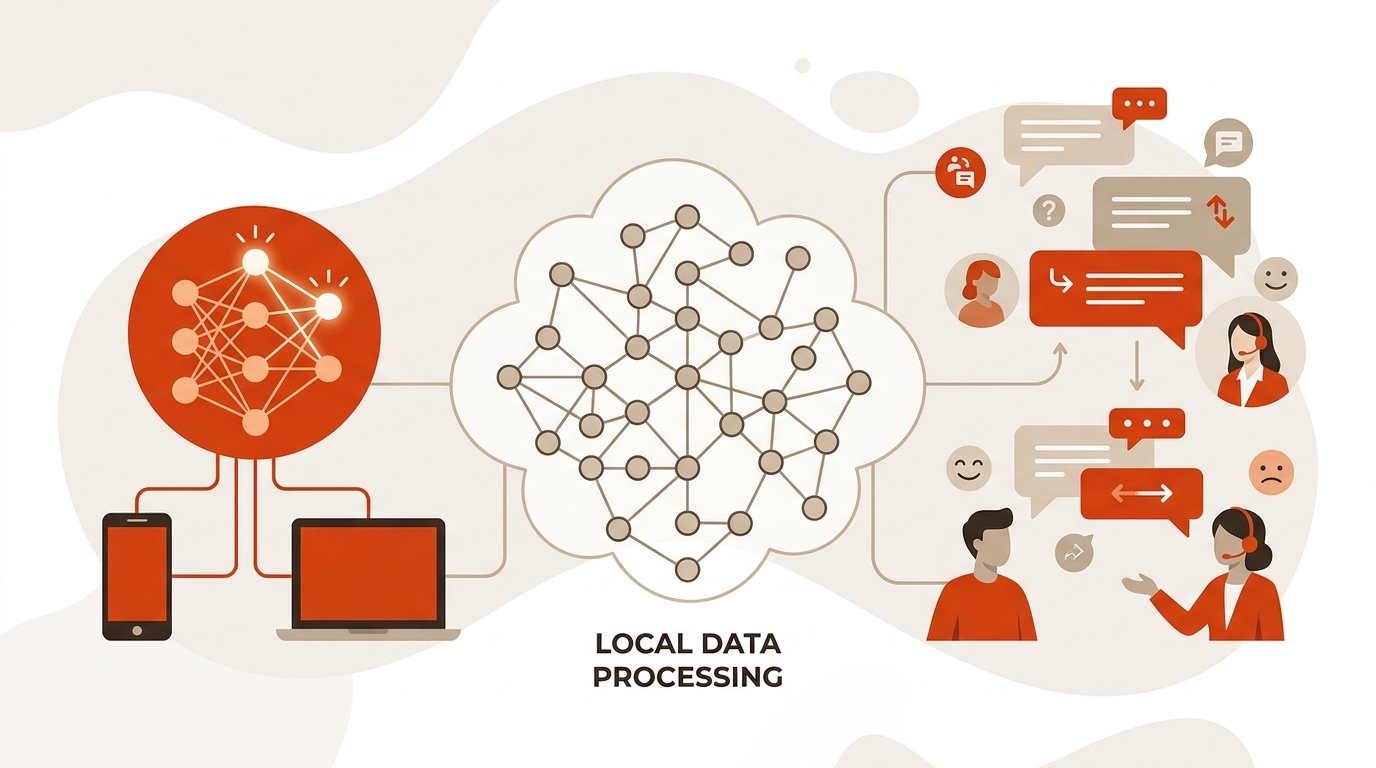
What is an SLM and why does it matter in marketing?
An SLM (Small Language Model) is a language model based on transformer architecture with a significantly lower number of parameters than traditional LLMs: from a few million up to around 7 billion. GPT-4 works with hundreds of billions of parameters; an SLM like Phi-4 Mini or LLaMA 3.2 3B operates with a fraction of that. The value of SLMs in marketing lies precisely in that efficiency: they allow you to automate tasks that LLMs would handle at a disproportionate cost.
They are designed to run efficiently on limited hardware, making them practical for deployment on local devices and cost-sensitive business applications. They sacrifice some generality compared to frontier LLMs, but gain in speed, cost, privacy, and deployability. For an SMB or a marketing team with a tight budget, that equation is very attractive.
While LLMs aim to offer generalist capabilities, small language models prioritize efficiency and specialization. In practice, this translates into customer service automation, local sentiment analysis, and content generation without sending data to external servers.
Why are SLMs a real option for SMBs?
The barrier to entry for generative AI has always been cost: infrastructure, API licenses, and third-party dependency. Lightweight models for SMBs break down that barrier in three concrete ways.
Reduced cost without sacrificing utility
Small language models require less infrastructure, minimizing investment in hardware and energy consumption. A modest server or even an office computer with a decent GPU can run a 3–7B parameter SLM without any problem.
Moreover, by not depending on paid external API calls, the cost is predictable and does not scale with query volume. No surprises on the bill at the end of the month. This fixed-cost structure is especially cost-effective for companies with a high volume of repetitive interactions.
Privacy and regulatory compliance
This point is critical for any company that handles customer data. Since SLMs can be deployed in local environments or private cloud, they offer enhanced security and privacy, as sensitive information remains under the organization’s control.
Local deployment ensures that all data processing happens on your own hardware. No data leaves your network, which automatically satisfies GDPR requirements and other business compliance regulations. For marketing teams that process customer data, this is not a luxury: it is a legal requirement.
Beyond GDPR, two additional considerations are worth keeping in mind: if you use customer data to train or fine-tune the model, you must ensure that your privacy policy covers this and that the data has been properly anonymized. And if the chatbot or automated system interacts with end users, best practice —and in some contexts an emerging regulatory obligation— is to inform the user that they are talking to an AI system, not a person.
Specialization that improves accuracy
Although less versatile than monolithic giant LLMs, small language models can outperform their larger counterparts on specific tasks thanks to their focused training and lower contextual “noise.” An SLM fine-tuned with your company’s FAQs or your brand’s tone of voice will respond better than a generalist model that does not know your business. This specialization capability is one of the strongest arguments in favor of this technology over generalist solutions.
Local SLM vs. LLM API: a real cost comparison
The cost argument is the most straightforward for the investment decision, but it is rarely quantified. The table below compares the approximate costs of processing 1 million tokens per month with a paid LLM API versus deploying an SLM locally, at an equivalent query volume.
| Item | GPT-4o API (OpenAI) | Local SLM (Mistral 7B / Phi-4 Mini) |
|---|---|---|
| Cost per 1M input tokens | ~$2.50 (input) + ~$10 (output) | $0 (zero marginal cost per token) |
| Monthly infrastructure | $0 (managed API) | ~€50–150/month (GPU VPS or amortized own server) |
| Estimated cost at 1M tokens/month | ~$12.50/month | ~€50–150/month (fixed, regardless of volume) |
| Estimated cost at 10M tokens/month | ~$125/month | ~€50–150/month (unchanged) |
| Data privacy | Data sent to OpenAI | Data on your local network |
| Break-even point | The local SLM amortizes infrastructure from ~5–10M tokens/month, or sooner if privacy is a priority | |
The practical takeaway is this: at low volumes, the LLM API may be cheaper because it eliminates the fixed infrastructure cost. But as soon as query volume exceeds 5–10 million tokens per month —or when data privacy is non-negotiable— the local SLM becomes clearly more cost-effective. For an SMB with 300 daily customer service interactions (each around ~500 tokens), that is approximately 4.5 million tokens per month: the break-even point is reached quickly.
When is an SLM not enough? Real limitations
Being honest about the limits of a technology is the best way to use it well. Small language models have clear advantages, but there are also scenarios where a larger-scale LLM is the right choice.
Complex multi-step reasoning
SLMs struggle with tasks that require chaining several reasoning steps, cross-referencing sources, or maintaining coherence in very long contexts. For multifaceted tasks or complex data patterns, SLMs may not match the accuracy of larger models. If your use case involves strategic analysis, synthesis of complex reports, or decision-making with multiple variables, a larger-scale LLM —or an agent with access to external tools— will be more reliable.
Advanced multilingualism
The performance of small models in languages other than English drops noticeably when it comes to cross-lingual reasoning or understanding cultural nuances. Direct distillation from a large model to a 3B-parameter one fails to reproduce effective reasoning across multiple languages. If your company operates in markets with very different languages or low-resource languages, evaluate the model carefully before deploying it in production.
Open-ended creativity and unconstrained generation
SLMs perform well when the domain is bounded. For open-ended creative writing tasks —branding campaigns with a high conceptual component, high emotional-impact copy, complex brand storytelling— the lower generalization capacity shows. The sweet spot for lightweight models is the repetitive, well-defined task, not creation from scratch without constraints.
How do chatbots with SLMs work in customer service?
Chatbots with SLMs are the most immediate use case for customer service automation. The idea is simple: you train or fine-tune a lightweight model with your company’s knowledge base —frequently asked questions, return policies, product catalog— and deploy it as an assistant on your website, WhatsApp Business, or ticketing system.
Practical example: e-commerce store
Imagine an online fashion store with a volume of 200–300 daily inquiries. Most are repetitive: order status, exchange policy, available sizes. An SLM fine-tuned with that data can resolve 70–80% of those inquiries without human intervention, escalating to an agent only the cases that require judgment or authorization. This is one of the use cases with the highest immediate return for e-commerce.
The model runs locally, customer data does not leave the company’s server, and response time is under one second. The customer service team is freed up to handle real incidents, complex complaints, and upselling opportunities. Key metrics to monitor: resolution rate without escalation (target: >70%), average first response time (target: <2 seconds), and CSAT (customer satisfaction) for bot-handled conversations.
Practical example: B2B services company
In a B2B context, the SLM-powered chatbot can act as a first lead qualification filter. The model collects information from the visitor —industry, company size, specific need— classifies it according to predefined criteria, and schedules a meeting or routes to the appropriate sales rep based on the score obtained. All of this without the sales team intervening until the lead is qualified. This solution integrates directly into marketing automation and demand generation workflows.
What is local sentiment analysis and how is it applied?

Local sentiment analysis consists of running an emotional classification model directly on your own infrastructure, without sending texts to an external API. The key advantage is that you can process large volumes of text —reviews, emails, social media mentions— at no per-call cost and with full control over the data.
Practical example: analysis of Google and Trustpilot reviews
A restaurant chain or a business with multiple points of sale receives dozens of reviews weekly across different platforms. An SLM configured for sentiment analysis can automatically classify each review (positive, negative, neutral) and identify recurring themes: waiting time, product quality, staff attitude. This technology makes it possible to detect trends before they become reputation crises.
The marketing team gets a weekly dashboard with sentiment trends by location, without manually reviewing every comment. This allows quick action when a location starts receiving criticism about a specific aspect. Key metric: percentage of negative reviews detected and responded to within 24 hours (target: >90%).
Practical example: email prioritization in customer service
An SLM can analyze the emotional tone of incoming emails and automatically prioritize urgent messages or those with a negative emotional charge. A customer who writes with evident frustration receives a response before a routine informational inquiry. Research in automated sentiment analysis has documented reductions in processing time from 4 hours to 8 minutes in high-ticket-volume customer service environments. This operational improvement is quantifiable from the first day of deployment.
How to automate email marketing with lightweight models?
Customer service automation via email is another area where small language models offer an immediate return. Beyond classic autoresponders, this technology can generate personalized responses, classify emails by intent, and adapt tone according to the customer’s context.
Automatic classification and routing
The first step is classification: the SLM reads the incoming email and labels it according to the detected intent —price inquiry, technical support request, complaint, commercial information request. Each category is routed to the corresponding team or template. The result is an organized inbox where every message reaches the right person in seconds, without anyone having to manually read and redirect it. Recommended tracking metric: correct routing rate (target: >95% after the first few weeks of adjustment).
Personalized draft generation
Once the email is classified, the SLM can generate a draft response based on the corresponding template and the customer data available in the CRM. The human agent reviews it, adjusts if necessary, and sends. This workflow drastically reduces drafting time without eliminating human oversight, which remains necessary for the most sensitive cases.
How to integrate an SLM with your current marketing stack?
One of the most common obstacles to implementing this technology is not technical: it is uncertainty about how to connect the model with the tools you already use. The integration pattern is always the same, regardless of the platform.
Basic integration architecture
The SLM acts as a microservice with its own REST API (exposed, for example, with Ollama or with FastAPI on top of Hugging Face Transformers). From there, any tool that supports webhooks or HTTP integrations can connect without friction:
- HubSpot: use HubSpot workflows to trigger an HTTP call to the SLM when a lead arrives or a contact is updated. The model classifies the intent or generates an email draft, and the result is written back to the contact’s notes field via the HubSpot API.
- Zendesk: through Zendesk’s native triggers and webhooks, the SLM receives the ticket text, analyzes the sentiment, and updates the ticket priority or suggests a response in the internal comment field before the agent sees it.
- WhatsApp Business API: the SLM sits between Meta’s webhook and your CRM. Each incoming message passes through the model, which decides whether to respond automatically (frequent inquiry) or escalate to the agent (complex case), logging the conversation in HubSpot or Zendesk in real time.
- Mailchimp / email platforms: the SLM processes segmentation data from the CRM and generates subject lines or personalized copy variants by segment, which are inserted into templates via API before sending.
This pattern —SLM as microservice + webhooks from the existing stack— allows you to deploy the solution without replacing any current tool. The model joins the workflow, it does not replace it. If you want to go deeper into how to structure these flows, the article on marketing automation with AI covers the integration architecture in more detail.
What other use cases do SLMs have in content marketing?
Beyond customer service, small models have direct application in content generation and optimization.
Product descriptions at scale
For stores with catalogs of hundreds or thousands of items, an SLM fine-tuned with the brand’s tone can generate consistent, SEO-optimized product descriptions from a basic spec sheet. The editorial team reviews a sample and approves in bulk, instead of writing each description from scratch. SLMs in e-commerce marketing allow product content production to scale without increasing the writing team.
Report summaries and briefings
For a marketing team that handles campaign reports, competitive analysis, or market studies, a lightweight model can condense lengthy documents into executive summaries in seconds, ready to present in meetings or include in internal newsletters.
Which SLM models can you use right now?

The ecosystem of lightweight models for SMBs has matured considerably. These are the most relevant ones for marketing and customer service use cases:
| Model | Parameters | Strength | Ideal for |
|---|---|---|---|
| Phi-4 Mini | 3.8B | Reasoning and accuracy on bounded tasks | Intent classification, FAQ |
| LLaMA 3.2 (3B) | 3B | Edge and mobile deployment | Lightweight chatbots, sentiment analysis |
| Gemma 2 (9B) | 9B | Performance comparable to previous 70B models | Content generation, summaries |
| Mistral 7B | 7B | Speed/quality balance for text | Email automation, customer service |
Among the most active families at present are SmolLM, Qwen, Gemma, Phi, and LLaMA. All are available as open models and can be run locally with tools such as Ollama or LM Studio, without requiring advanced MLOps knowledge. You can check the updated comparative performance on the Open LLM Leaderboard by Hugging Face.
Fine-tuning vs. RAG: which to choose based on your data
When the time comes to specialize an SLM for your business, the first question is: do I have enough data to fine-tune? If the answer is no —or if your knowledge base changes frequently— RAG (Retrieval-Augmented Generation) is the industry-standard alternative, and in many cases the most pragmatic one for SMBs.
When to use RAG instead of fine-tuning
RAG combines the SLM with a document retrieval system: instead of “memorizing” knowledge during training, the model queries a document base in real time (PDFs, web pages, FAQs, CRM articles) and generates the response based on the retrieved fragments. The practical threshold is clear: if you have fewer than 200 historical question/answer pairs, RAG is more reliable than fine-tuning.
The advantages of RAG for SMBs are three: you do not need labeled data in large quantities, the knowledge base is updated without retraining the model (you just add documents to the index), and responses are traceable —you can see which fragment the model used to answer, making it easier to detect errors. The most accessible implementation combines a local SLM (Mistral 7B or LLaMA 3.2) with an embeddings system such as ChromaDB or Weaviate and an orchestrator like LangChain or LlamaIndex.
When fine-tuning is still the best option
Fine-tuning makes sense when you need the model to adopt a very specific tone of voice, when responses must follow a precise structured format (for example, JSON responses for integrations), or when you have more than 500 high-quality examples and the domain is stable. In those cases, a fine-tuned model consistently outperforms RAG in inference speed and format consistency.
How to fine-tune an SLM with your own data?
Fine-tuning turns a generic model into a useful tool for your business. With current tools, the process is within reach of any developer with basic Python knowledge, without the need for specialized hardware or a data science team.
The most accessible combination for SMBs is Unsloth with LoRA adapters (Low-Rank Adaptation). Unsloth reduces VRAM requirements and training time by half; LoRA can match the performance of full fine-tuning using 4 times less VRAM. This means you can fine-tune a 3–7B parameter model on a consumer GPU (16 GB VRAM) or on Google Colab for free. Unsloth supports fine-tuning for Llama 4, Gemma 3, Phi 4, Mistral, and Qwen 2.5.
Step-by-step workflow
- Prepare the dataset. You will need at least 500–1000 query/response pairs exported from your CRM or ticketing system. If you do not reach that volume, consider RAG (see previous section). Quality is more important than quantity: remove outdated, toxic, or ambiguous examples.
- Choose the base model and load with 4-bit quantization. For classification or short-answer tasks, Phi-4 Mini or LLaMA 3.2 3B are good options. It is recommended to start with QLoRA, one of the most accessible and effective methods for training models on limited hardware.
- Configure the key hyperparameters. Between 1 and 3 training epochs; more than 3 increases the risk of overfitting. The most common LoRA rank range is between 16 and 64. For SLMs with LoRA, the learning rate is the most influential hyperparameter; a safe starting point is 2e-4.
- Train and evaluate. With a dataset of 500–1000 examples and a 3B parameter model, training typically completes in 30–90 minutes on a Colab T4 GPU. Monitor the validation loss: if it starts rising while the training loss falls, there is overfitting.
- Validate quality in production. Validation loss measures technical fit, but not whether the model is useful in the real world. Use these complementary metrics: F1-score for classification tasks (intent, sentiment); human evaluation by sampling —manually review a 5–10% sample of generated responses each week; and hallucination rate, meaning responses the model invents without basis in the context. To detect hallucinations, compare the model’s responses with the source documents or with the historical responses of the human team. If the model answers questions outside its domain with confidence, add a guardrails layer (intent filters) before inference. Retrain when the escalation rate to the human agent exceeds the defined threshold or when the business incorporates new products, policies, or services.
- Deploy with Ollama. Export the fine-tuned model in GGUF format and load it into Ollama to expose it as a local API. From there, connect with your marketing stack as described in the integration section.
How to start implementing SLMs in your company?
Implementing small language models in marketing does not require a data science team or complex infrastructure. The most direct path for an SMB goes through three phases.
- Define the most bounded use case possible. Do not start with “automate all customer service.” Start with “automatically answer the 15 most frequent questions about shipping.” The more specific, the better the model will work.
- Choose the model and deployment tool. For most SMBs, Ollama + a 3–7B parameter model is enough to get started. You do not need a high-performance GPU for classification tasks or short answers.
- Decide between fine-tuning and RAG based on your data. If you have more than 500 historical pairs and a stable domain, fine-tuning with LoRA is the most powerful option. If you do not reach that volume or your knowledge base changes frequently, RAG will give you faster and more maintainable results.
The key is not to try to solve everything at once: a well-tuned SLM for a specific task delivers more value than a poorly configured generalist model for ten. Progressive implementation is the strategy that generates the fastest and most sustainable results.
Frequently asked questions about SLMs in marketing
What is the difference between an SLM and an LLM for use in marketing?
An LLM (Large Language Model) like GPT-4 has hundreds of billions of parameters, is generalist, and requires costly infrastructure or paid APIs. An SLM has between 1B and 7B parameters, specializes in specific tasks, and can run on standard hardware. For marketing and customer service, where tasks are repetitive and bounded, a well-tuned SLM is usually more efficient and economical than a generalist LLM. SLMs in marketing thus offer a cost-performance ratio that is hard to match for SMBs.
Can chatbots with SLMs completely replace human agents?
Not completely, nor is that the goal. Chatbots with SLMs are most effective as a first filter: they resolve frequent inquiries, classify intents, and route complex cases to the appropriate agent. Customer service automation with SLMs frees people up for interactions that genuinely require judgment, empathy, or authorization. SLMs in customer service marketing are a support tool, not a replacement.
Is it complicated to deploy an SLM for local sentiment analysis?
With current tools like Ollama or Hugging Face Transformers, basic deployment is within reach of any junior developer or technician with Python knowledge. Local sentiment analysis with models like LLaMA 3.2 or Mistral 7B can be set up in a few hours. The most important work is preparing the training data or few-shot examples so the model classifies correctly in your specific context. SLMs in sentiment analysis marketing are, in this sense, one of the most accessible applications to start with.
What budget does an SMB need to implement lightweight models?
The infrastructure cost can be minimal: many 3–7B parameter SLMs run on a server with 16 GB of RAM or on a consumer GPU. The real cost lies in configuration and fine-tuning time. Unlike paid LLM APIs, there is no per-query cost, which makes the return on investment especially attractive for companies with a high volume of repetitive interactions. This fixed-cost structure is one of the strongest arguments in favor of SLMs in marketing compared to API-based alternatives.