



What is Push technology for browsers?
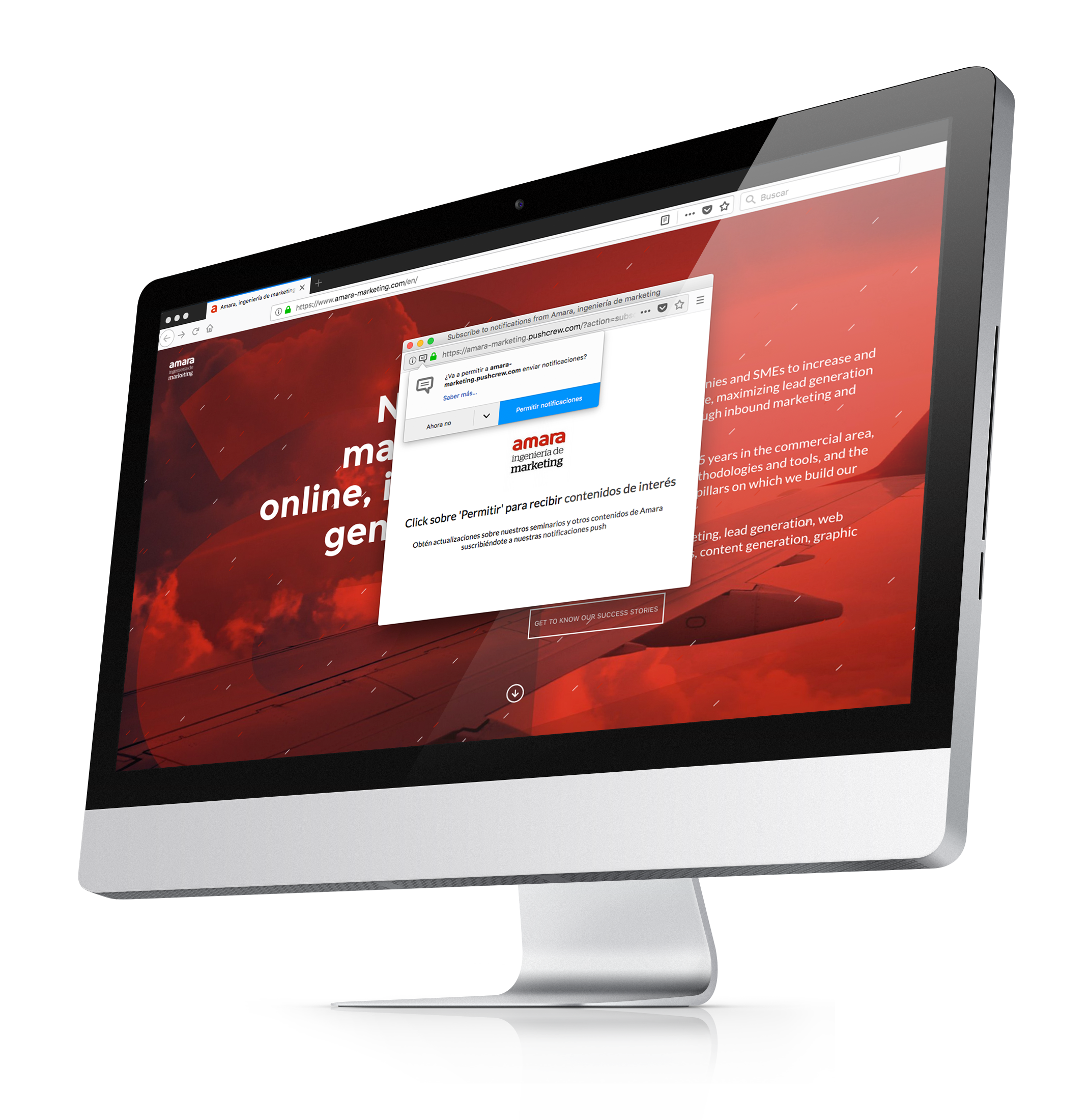
Web messaging is a simple and well-known concept of direct communication with the visitors of a particular website. There are different types of web messaging and theWeb notifications Push is one of them. Here are the main features of Web Push:
Contenidos
#1 User permission required
To send notifications to users when they are done browsing your website, you will first need to make sure they opt-in to receive the notifications. Design an encouraging message that motivates users to agree to receive notifications from your website.
{{{cta(‘bb2971b9-bf36-4c36-8edc-75223dba5208’)}}
#2 The notification can be delivered to both current and past visitors
As permission is required for this type of notifications, the user must visit your website first to agree to receive such notifications. You can start sending web messages immediately to your current visitors to thank them for their participation or you can choose to wait and gather more information to design a more personalized web message.
#3 Can be delivered even when users are no longer on your website
This is one of the best features of Web Push Notifications. You can send them to those users who have already finished browsing your website. You can design a custom message for users who performed specific actions on your website. For example, if a user starts their booking process but doesn’t finish it, you can send them a reminder that the offer is valid for a few more hours or days.

What is the difference between Web Push and In-Browser Push?
As we said, there is more than one type of web push messages. Now that you know what Web Push notifications are, let us tell you about In-Browser Push messages.
The basis is the same, but the main difference is that you can only send messages to current active visitors of your website, so users receive your messages only if they are currently browsing one of your pages.
While it means limitations for web messaging, in-browser notifications have one big advantage: no opt-in, i.e. explicit permission from the user, is required, so there is no need to collect consent to send these notifications.
It’s easy to see the difference between Web Push and In-Browser notifications when we continually see their equivalents in the mobile device world. In-browser messages would be equivalent to in-app notifications that can only be sent to those users who are actively using an application. Whereas, Web Push notifications would be the equivalent of mobile push notifications.
So, what to choose: Web Push or In-Browser Push?
Each type of web messaging has its strengths and weaknesses. And which of the two techniques is better? It all depends on your goals, although you can take full advantage of both. The idea would be to use Web Push and In-Browser Push to achieve different objectives in a united and balanced strategy.
 |
Notifications Web Pushare best used for goals such as encouraging customers to return to your website or giving an update on the status of their booking. |
||
Messages In-Browserare suitable for guiding new visitors through your web pages and influence the. | |||